"The Wi-Fi is down again"
Behind this sentence is usually the same setup: the ISP router in a corner, maybe a cheap repeater, and every device from laptop to card terminal on one network. Slow, unreliable and insecure. Good office Wi-Fi doesn't have to be expensive; it needs a well-planned setup.
Common causes
- One router for everything, placed where the line comes in, not where people work
- Repeaters often halve throughput
- Walls and ceilings such as reinforced concrete or coated glass
- Crowded channels in office buildings
- Outdated devices
What solid office Wi-Fi looks like
1. Centrally managed access points
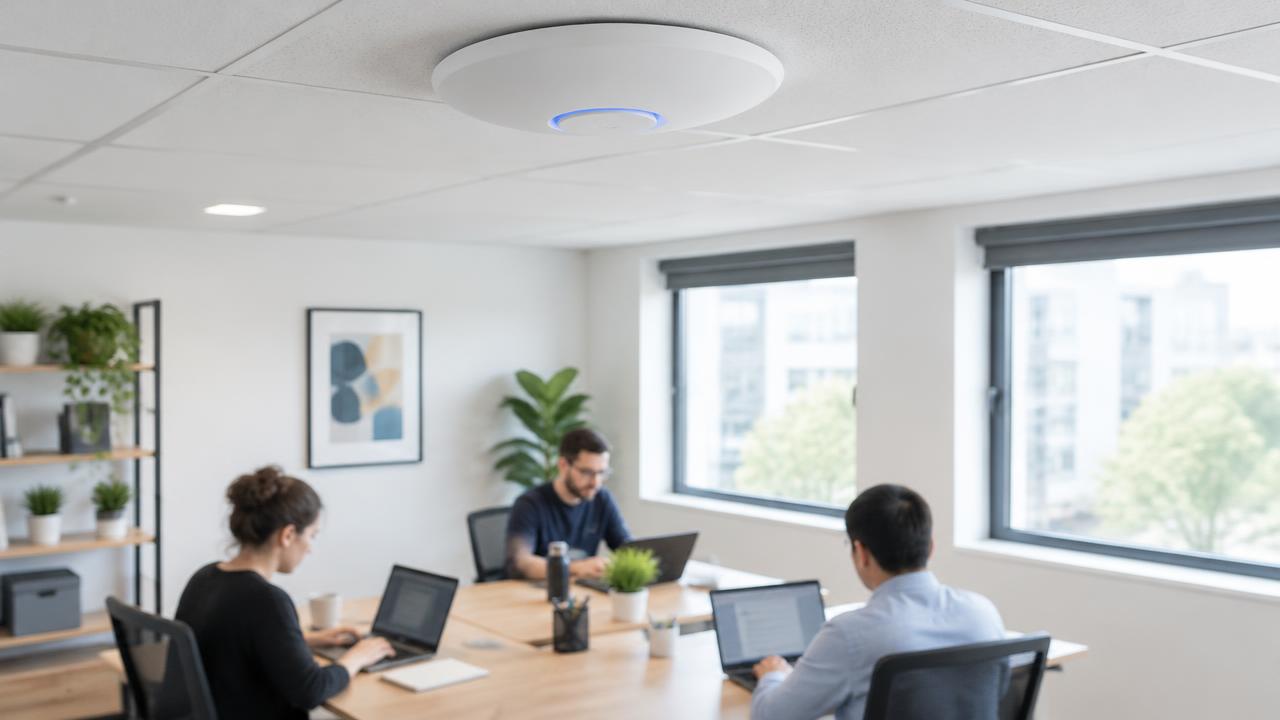
Several ceiling-mounted access points, cabled and centrally managed; devices roam automatically. For difficult buildings a site survey helps.
2. Cable where possible
Fixed desks, printers and servers belong on cable.
3. Current standard
New access points should support at least Wi-Fi 6, ideally 6E or Wi-Fi 7 with the 6 GHz band.
4. Separate networks
The key security point. At least three VLANs:
- Company network for work devices
- Guest network with internet only
- Device network for printers, cameras and smart TVs
5. Strong encryption
Use WPA3 where all devices support it, otherwise WPA2/WPA3 mixed mode. A long password changed when staff leave; for larger teams, WPA-Enterprise with personal credentials.
Checklist
FAQ
Is a consumer mesh system enough? Sometimes for very small offices, especially with wired backhaul. Business devices handle separate networks and central management better.
Conclusion
Good Wi-Fi is planning, not luck. Rebuilding your network in the Magdeburg area? See IT service Magdeburg and our article on business firewalls.