The password on a note under the keyboard
Almost every small business has one: the spreadsheet of passwords, the sticky note or the one password used everywhere. When a service is breached, attackers automatically try stolen credentials elsewhere. The fix has two parts: a team password manager and MFA for everything important.
Why a password manager?
It creates a unique long password for each service and remembers it. For teams:
- Shared vaults instead of sending credentials by email
- Clean offboarding with one click
- Emergency access for a deputy
- Warnings about weak, reused or breached passwords
What to look for
- End-to-end encryption
- Data location and contract: EU data centres and a data processing agreement for cloud services
- Team features: shared vaults, roles, emergency access
- Usability: browser extension and mobile app
- Passkey support
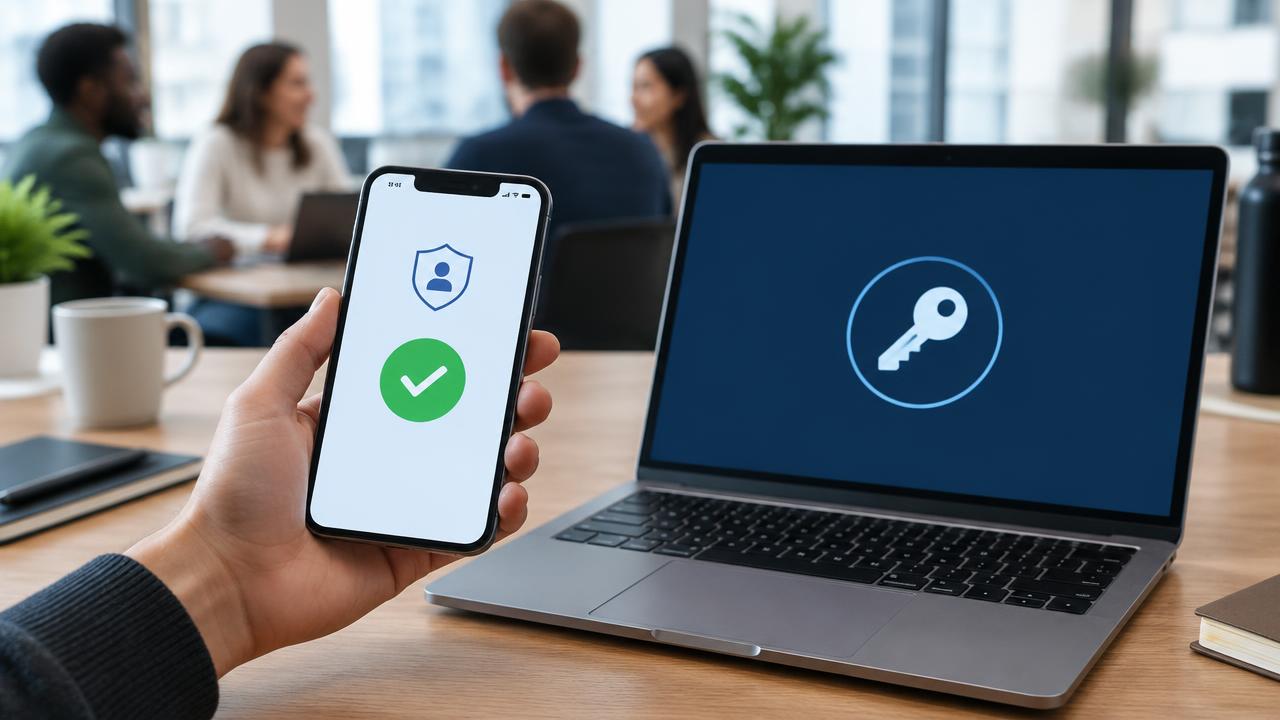
MFA: the second door
From strong to weak:
- Passkeys or security keys (phishing-resistant), see passkeys
- Authenticator app with number matching
- One-time codes via app
- SMS only if nothing else works
Where MFA comes first: email, Microsoft 365 or Google Workspace, online banking, remote access, the password manager itself, domain and hosting accounts, company social media.
Rollout in four weeks
- Week 1: choose a tool, set up a test account, plan vaults.
- Week 2: 30-minute training, everyone sets up access and MFA.
- Week 3: move shared credentials into vaults, destroy lists and notes.
- Week 4: change key passwords, test emergency access.
Common mistakes
- Weak master password: use a long sentence.
- Losing recovery codes: print and store safely.
- MFA only for the boss: attackers pick the weakest account.
- MFA fatigue: never approve a sign-in request you didn't trigger.
FAQ
Isn't one place for all passwords risky? A well-encrypted manager with MFA is far safer than reused or written-down passwords.
Conclusion
Password manager plus MFA offers the best effort-to-impact ratio. For a guided rollout see our IT security services.